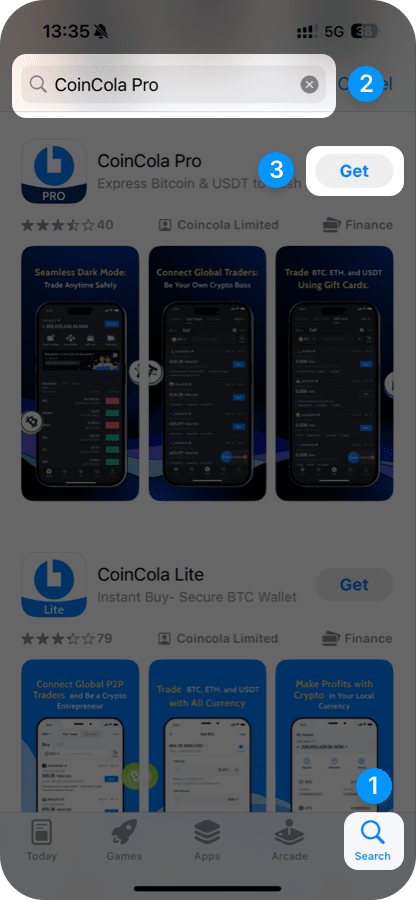
iOS Guide: Installing the CoinCola Application
Option 1: Register a New Apple ID
Option 2: Switch Apple ID Region/Country
1
Visit the Apple App Store
https://appleid.apple.com/account2
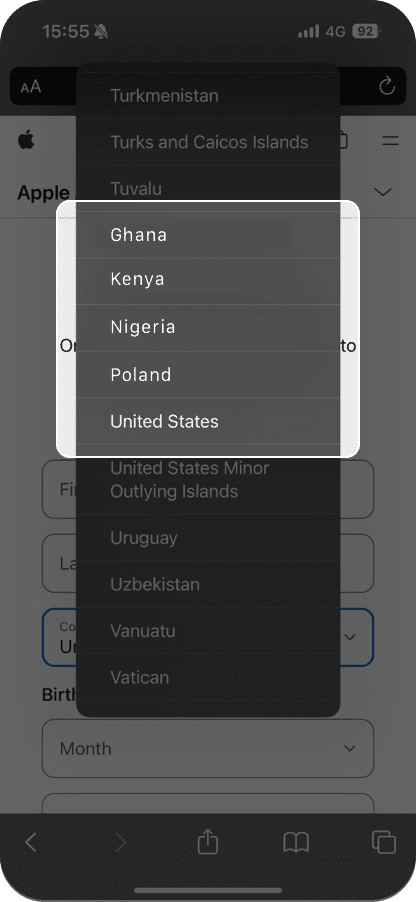
Select Country/Region
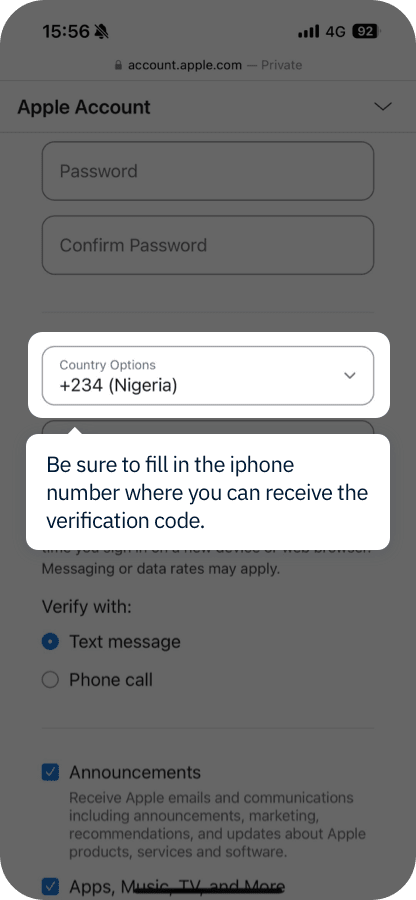
- Use an email and phone number capable of receiving verification codes.
- Supported regions for CoinCola on the App Store: Nigeria, Kenya, Ghana, Poland, and the United States.
3
Enter the verification code received via email or SMS to complete registration.
4
Log in to the App Store, search for 'CoinCola Pro', and download the application.